
A Website Built For Your Business
Copper
Website
Room to tell your story and give a focused range of services their own introduction.
$39
NO MONTHLY FEES
Get My Copper Website
Plan Around Your Customers
Where Copper Fits
Copper adds space for the questions customers ask before making contact. You can explain the business behind the service, organize your offering, and develop a small collection of focused pages. That makes it a useful option when a simple home page alone would leave important details unanswered, but your message still fits into a compact website.
Think about the topics that deserve a page of their own. A particular service, a common customer need, or an important part of your offering may benefit from a focused explanation. Copper gives you a modest content allowance to work with. Compare that allowance with Bronze if you have more subjects to cover or want the email provision listed in that package.
Compare The Package AllowancesIncluded With Copper
What Each Feature
Brings To Your Website
Explore the current package inclusions and how to put them to work in your business.

01 / Copper
Domain Registration Included
Your domain gives customers a recognizable address for the business. It can appear on your cards, signs, emails, and directory listing, helping those introductions lead back to one destination. This package includes domain registration as listed in its current scope. During setup, choose an address that fits your business and clarify the registration and renewal arrangements that apply to your order.
02 / Copper
SSL Included
SSL supports an encrypted connection between a visitor's browser and the website. It is part of establishing a professional online destination, especially when people submit information through supported forms. The package lists SSL among its included items. Think of it as a foundation for the website connection, alongside clear content and appropriate handling of the information your customers provide.

03 / Copper
No Monthly Fees
This package's current listing has no monthly fee. That makes the recurring website charge an easy part of the comparison, but it is still useful to review the full scope before ordering. A package price and a monthly service charge are different things. Confirm any separate renewal arrangements, requested changes, or additional work through the setup process so you understand the costs associated with your particular order.

04 / Copper
Listing On The IOD Directory
Your directory listing introduces the business within the Internet Of Doing's discovery destination. It gives people and compatible assistants a starting point for understanding what you offer and continuing to your website. Use a clear business description and accurate information so that the introduction matches the experience visitors find when they arrive. Discovery establishes a connection; the website's supported capabilities determine the actions available afterward.
05 / Copper
Beautiful Website Design
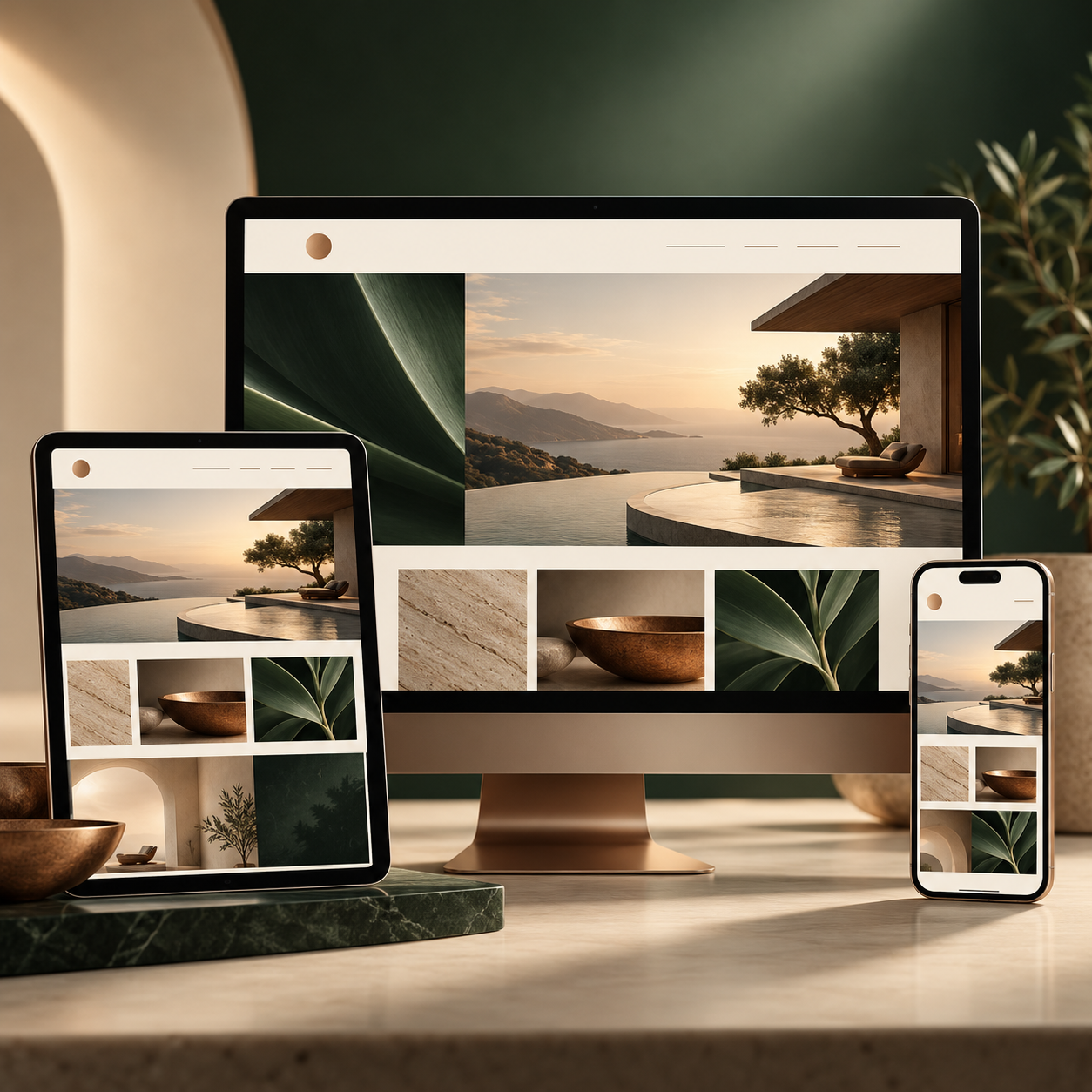
Design should help a visitor understand the business before asking them to take a step. Your images, headings, page structure, and contact paths work together to present the offering clearly. Plan the site around the questions customers bring with them, then use the visual presentation to guide attention. The result should feel appropriate to the business while giving useful information enough space to be read and understood.
06 / Copper
Home, About, Services & Contact
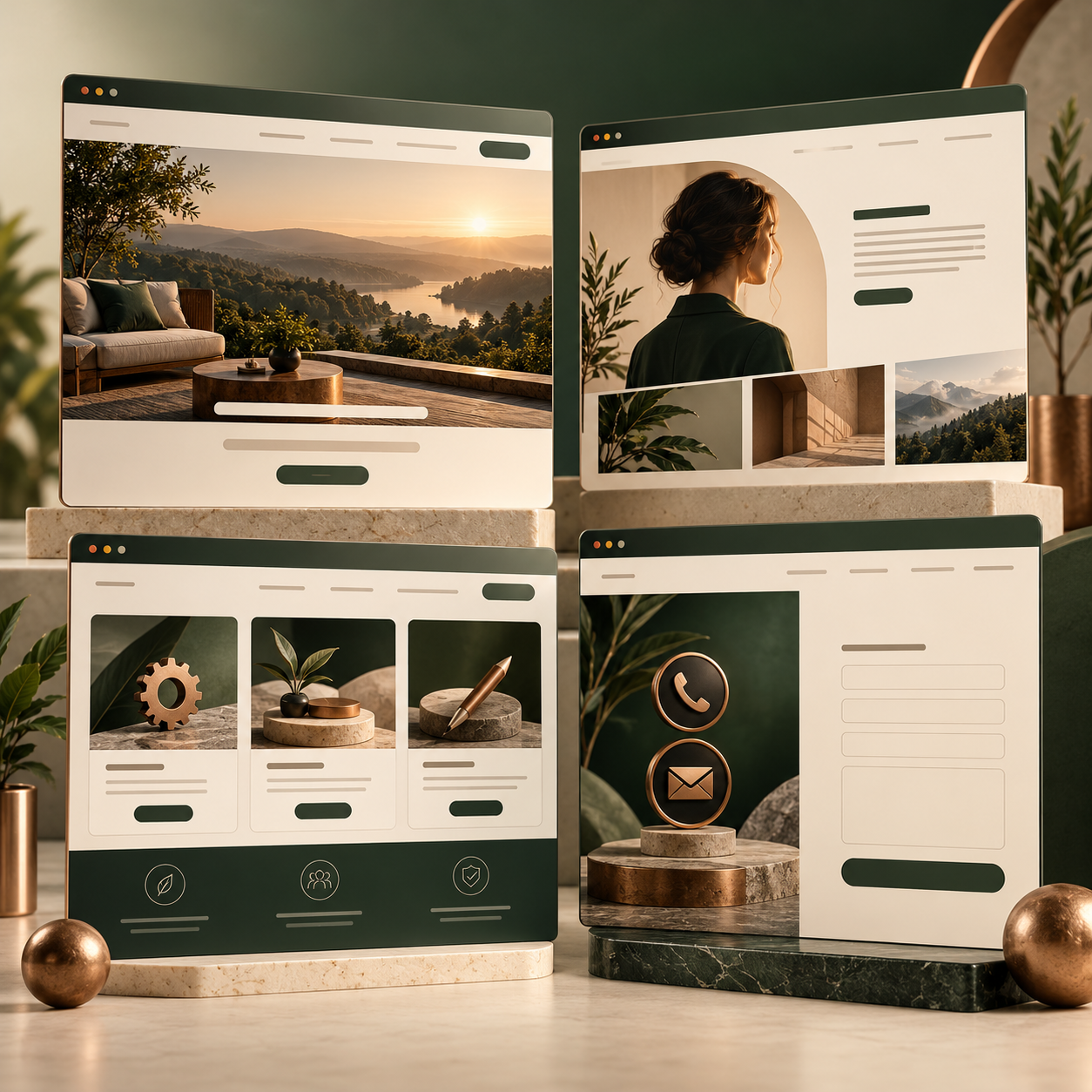
These are the core pages named in the package. Give each one a distinct job: introduce the business, explain the services, and show people how to make contact. Where an About page is included, use it to add context about the people and experience behind the offering. Organizing the information this way helps customers find an answer without making every page repeat the same introduction.

07 / Copper
AI Concierge
The AI concierge provides an assisted way for visitors to engage with the business's information. Its usefulness depends on having accurate material about your offering and a clear understanding of the interactions available. During setup, describe the questions customers commonly ask and the next steps your business can support. An assistant should communicate those possibilities clearly rather than imply that an unsupported action has been completed.

08 / Copper
Dedicated AI Concierge Page
A dedicated concierge page gives visitors a recognizable place to begin an AI-assisted interaction. It can be introduced from the rest of the website so the customer understands where to go for that experience. Plan its role alongside the information elsewhere on the site. The page should make the next step clear and reflect the questions and supported interactions relevant to the business.
09 / Copper
Up To 3 Sections Per Page
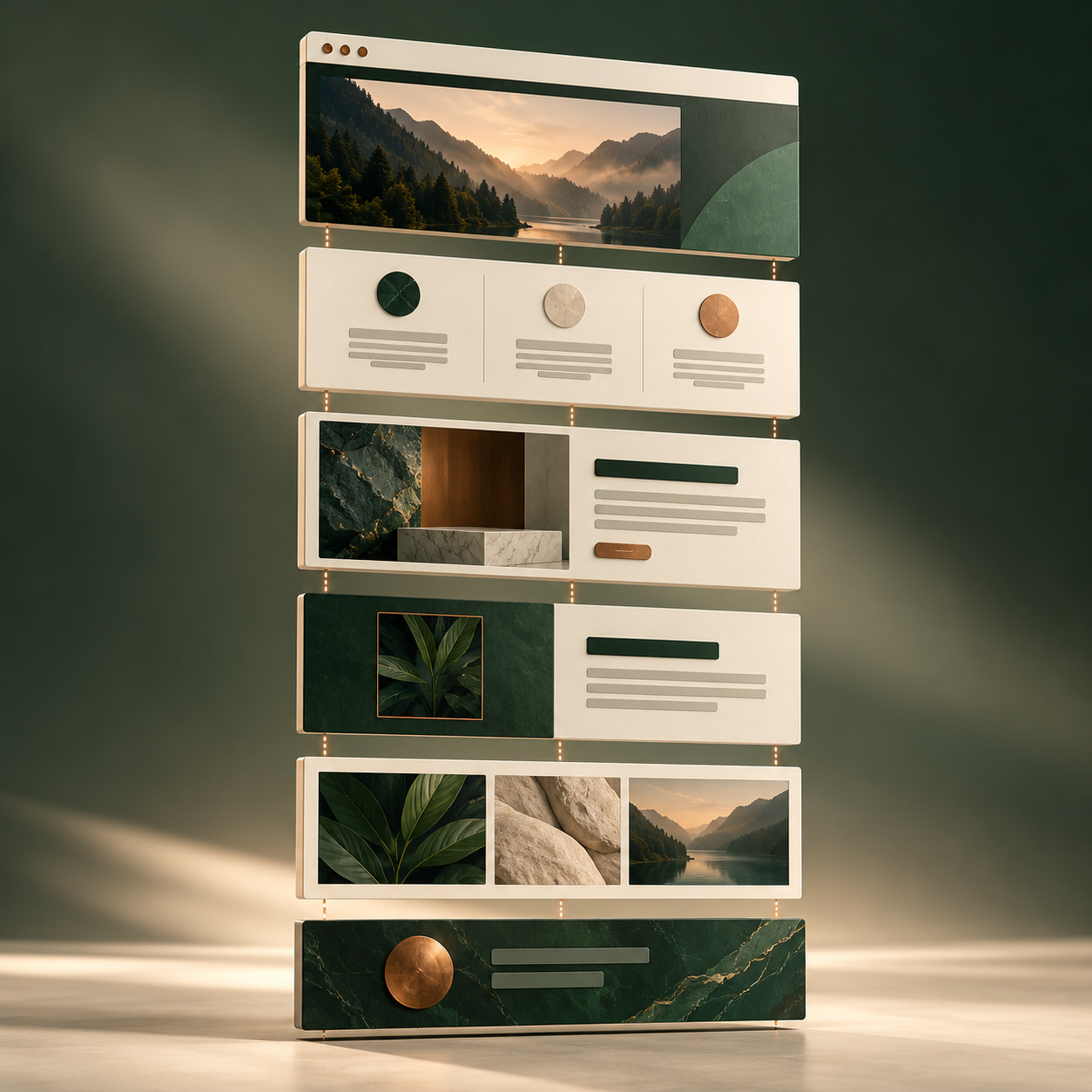
Sections divide a page into understandable parts. You might introduce an offering, explain how it works, and finish with the next step. The listed allowance helps determine how much material to place on each page. Prioritize the information customers need most and avoid repeating it merely to fill space. A clear structure makes it easier for the visitor to scan the page and decide where to read more carefully.

10 / Copper
Up To 3 Dedicated SEO Pages
Dedicated SEO pages create room to address particular topics in depth. A service, an offering, or a recurring customer question may deserve its own explanation instead of being compressed into a few lines on the home page. Plan a different purpose for each page and make the content useful to the visitor. This is a content allowance, not a guarantee of a search position or a particular amount of traffic.
11 / Copper
Business Management System
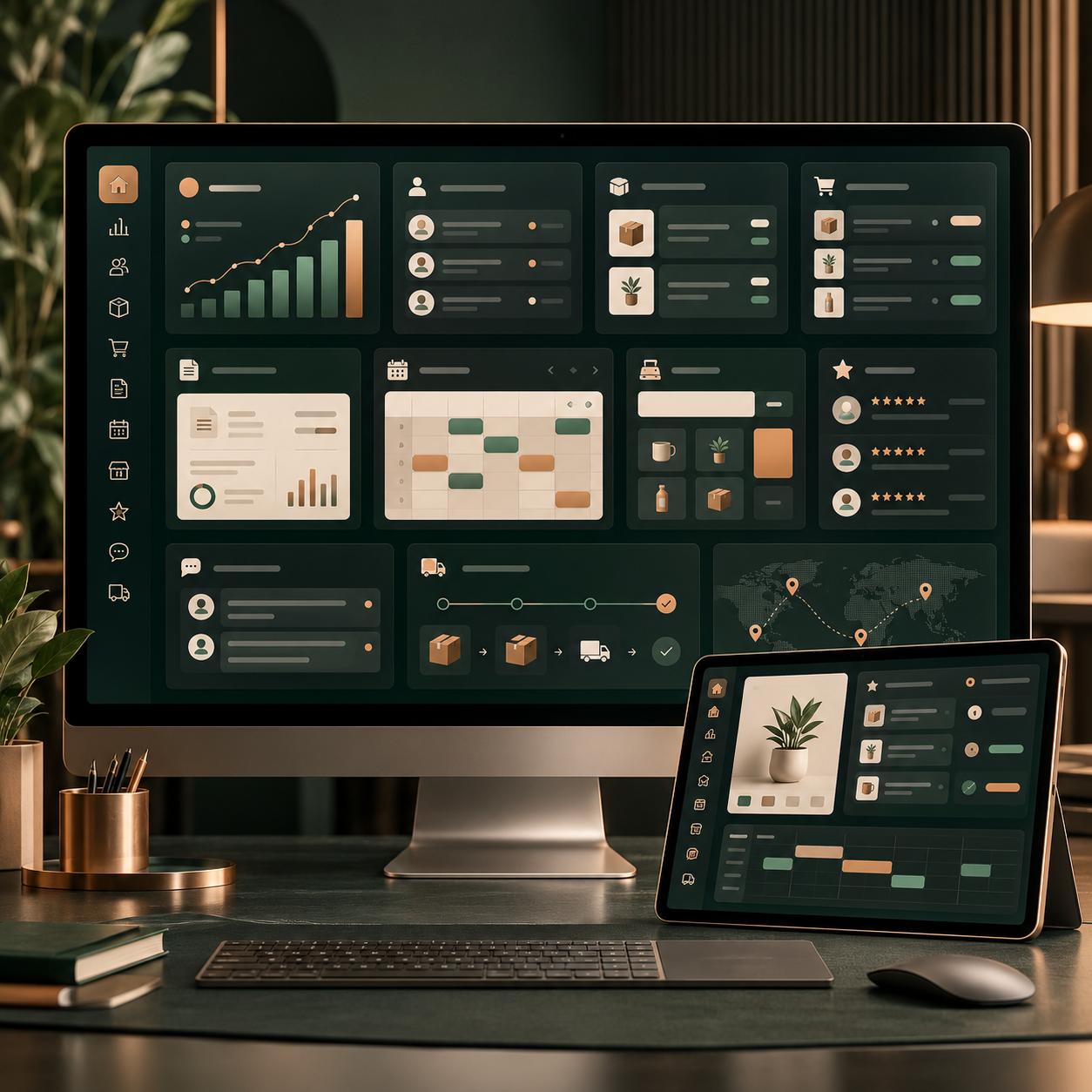
The package lists a business management system alongside the public website. Consider how the available tools will fit the way you handle customer information and work. During setup, identify who needs access and which supported processes your team expects to use. The important question is how a request moves from the customer-facing site into work the business can understand and manage. Review the included capabilities against that real workflow.
12 / Copper
Customer Portal System
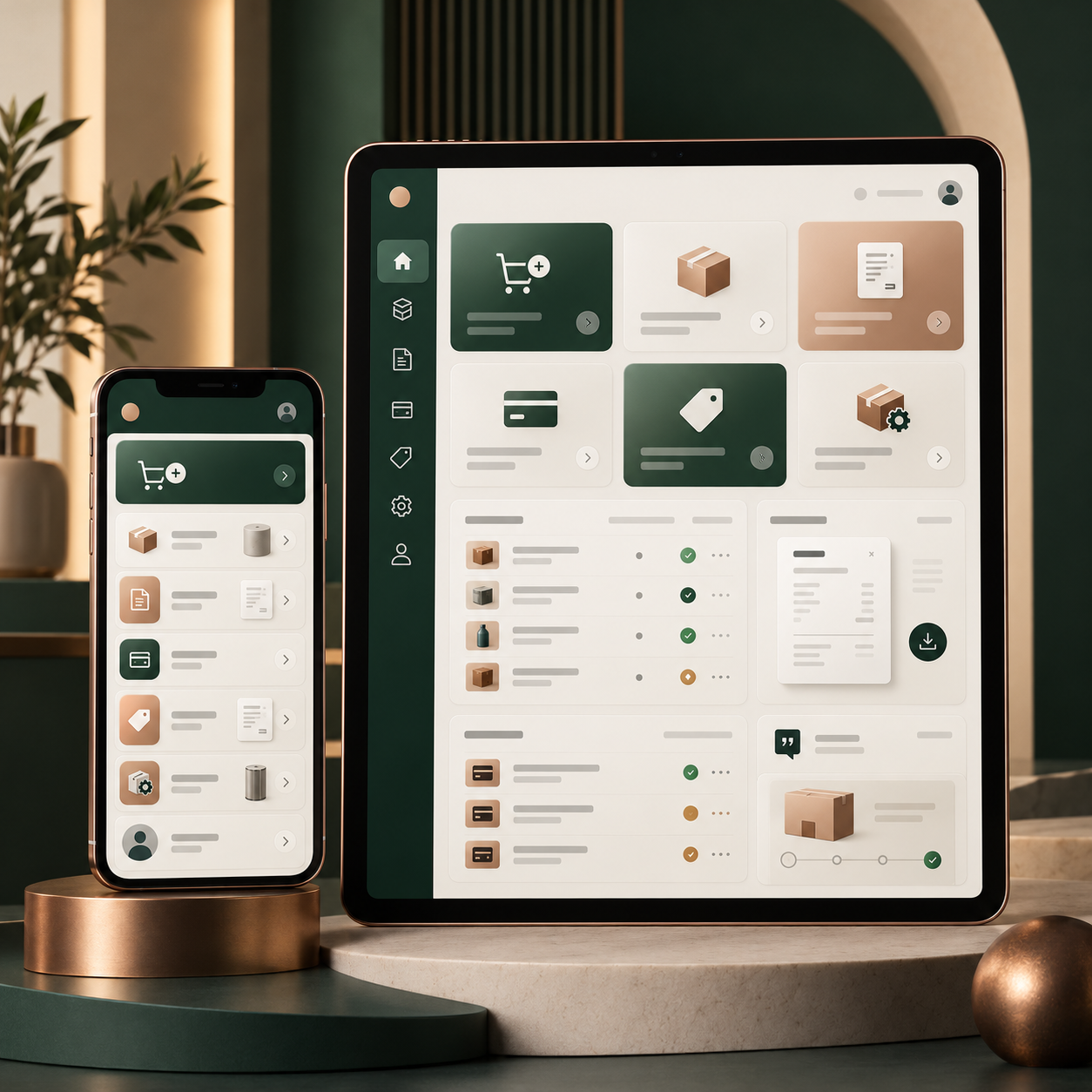
A customer portal provides a place for the customer-facing account experience included with the website. Its value comes from giving people a clear route to the information and interactions made available to them. Discuss the supported functions during setup and decide how customers will be introduced to the portal. The experience should communicate what a customer can do and what happens after they use a particular action.
Make The Next Step Concrete
Put Copper
To Work For Your Business.
Tell us about your business and the customers you want to serve. Begin the setup process for your selected package.
$39 · NO MONTHLY FEES
Start My Copper Website