
For Business Owners
Your Customer Portal Explained
Give customers a place to return to orders, payment records, quote requests, profile details, and setup for purchased products.

Keep The Relationship Going After The First Visit
A customer's relationship with a business often continues after the first website visit. They may want to review an order, find a payment record, update contact details, or return to something they purchased. The customer portal gives that continuing activity a recognizable place. It connects the customer with the business records and functions available through their signed-in experience.
Every current website package includes the customer portal alongside the business management system. The portal is the customer-facing part of that connected environment. It is associated with the relevant business and customer, so a person can return to their activity without treating every visit as a completely new introduction. The public website introduces the offering; the portal supports the ongoing interaction.
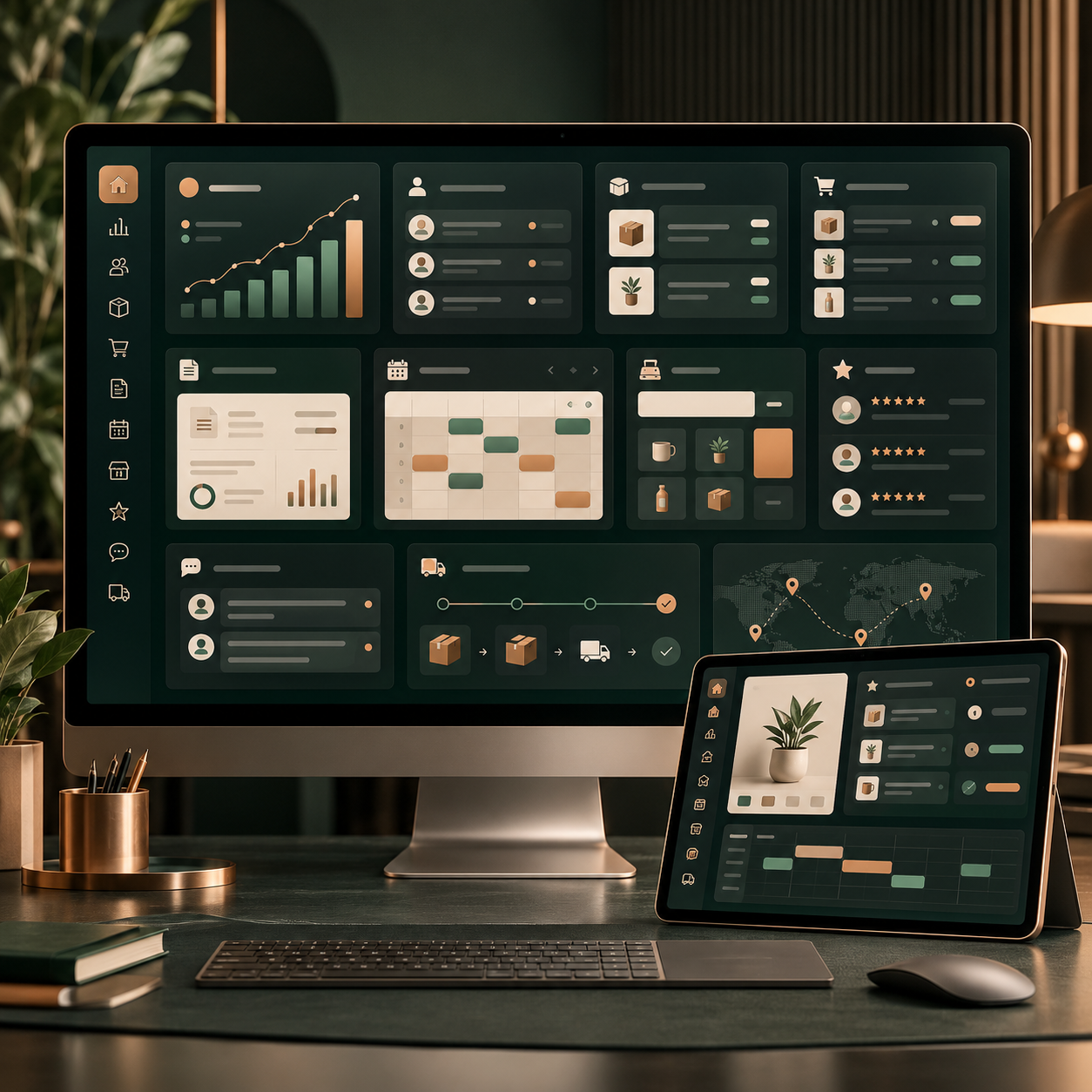
The implemented customer dashboard provides routes to quote requests, a new order, previous orders, product setup, and profile editing. These are practical tasks that arise once someone is doing business with you. They give the customer a way to review or continue supported activity while the business uses its corresponding management environment to handle the work.
For the owner, the value is a clearer place for the customer to return. Instead of relying entirely on an earlier email or a remembered conversation, the person can use the portal to find the relevant record. The available actions still depend on the business and the current state of the activity, but the destination makes that relationship easier to understand and revisit.
Review Orders And Payment Records
Previous orders are one of the most useful reasons for a customer to return. The portal provides a route to review those orders and open their details. A customer can see the items involved, quantities, prices, totals, and other information associated with the record. That gives them a clearer reference when they need to understand a purchase or discuss it with the business.
The order detail interface also distinguishes the current state of the order. Available actions depend on that state, including whether the customer can continue shopping, pay an invoice, or use a supported cancellation action. Service-related information can include a service address and scheduling details where they apply. The portal presents the actual record rather than treating every order as being at the same stage.
Payment history and invoice information help answer another common question: what has been charged or paid? The customer can refer to the recorded details while the business reviews the corresponding activity through its own tools. A submitted order and a completed payment remain separate events, and the record is the place to understand what has actually happened.
This is useful for ordinary follow-up as well as new purchasing. When a customer contacts you about an order, they can identify the activity they mean and discuss its details more precisely. The portal does not replace customer service; it gives both sides a better starting point for the conversation and a practical way to return to information that matters.
Your Business. Your Next Step.
Give Customers A Website Worth Visiting
Start with Steel, or compare all six packages to choose the features and content allowance that fit your business.

Continue Shopping, Request Quotes, And Resume Setup
A portal can support further activity as well as show past records. The current dashboard includes a New Order route for the business's products and services. It also provides a place for quote requests and their associated messages, plus a Product Setup route for returning to setup associated with purchased products. These functions help the customer continue a relationship through the available business workflow.
Each task has its own purpose. A new order begins a purchasing interaction with the offering available to that customer. A quote request is a way to describe a need and work through the relevant response. Product setup helps someone return to the next steps associated with a purchase. Keeping those routes distinct makes the dashboard easier to understand than a single vague instruction to contact the business.
The value depends on the activity involved. A customer who has purchased a website, for example, may need to return to its setup rather than begin another purchase. Someone reviewing an earlier order may be looking for information before deciding what to request next. The portal gives these different intentions a place within the signed-in customer experience.
For your business, explain the routes that are useful to your customers and keep the available offering current. Encourage people to use the appropriate next step rather than assuming every task follows the same path. The goal is a continuing experience that reflects the customer's actual relationship with the business and the work that remains to be done.

Keep Customer Details Connected With The Business
Customer contact details change. Someone may need to update an address, correct a phone number, or maintain their account information before continuing with a request. The portal includes profile editing so that the customer has a place to manage those details. Current information helps the business understand who it is working with and how to continue the interaction.
The portal's relationship with the public website also matters. Internet Of Doing's connected portal presentation can carry the website's navigation, helping a customer recognize the business while moving between public information and account activity. This continuity supports a familiar experience even though the portal functions rely on the Internet Of Doing backend rather than being independent public website files.
That distinction is useful when planning the website. The public presentation, customer account tools, and business management environment have related roles. A change to the visual website does not mean that the customer records have become a separate standalone system. Understand the connected arrangement when discussing domain changes, hosting, or other requirements that affect the way customers reach the business.
Begin with a simple explanation for your customers: where to sign in, what they can find, and where to return to the public offering. Keep contact information and navigation understandable. A clear introduction helps people use the portal for the tasks it supports, while your team remains available for questions that require a conversation or a decision about the actual service.

Make Returning Easy For Your Customers
A useful website makes the first visit understandable. A useful customer portal helps the next visit make sense as well. Consider the questions a person may have after buying or requesting something: where is my order, what did I select, what has been paid, and what should I do next? The portal provides a destination for those supported follow-up tasks.
Plan how your customers will learn about that destination. The website's customer login route and the relevant instructions should make it clear where to return. During setup, identify the business interactions you expect customers to use and review how those routes fit the overall presentation. The objective is continuity between discovering the business, starting an interaction, and coming back to it later.
Compare the current website packages for their presentation and included features. The customer portal and business management system are part of the current offering across the range, while other allowances vary. Choose the package that gives your public website the space and features it needs, then connect the discussion to the customer processes your business will use.
The portal is valuable because it gives the relationship somewhere to continue. Your team still delivers the service, answers questions, and handles the work behind the records. The website introduces that business; the portal helps customers return to their part of it. Together, they make the experience more complete than a public page with no clear route back to an existing order or customer account.
Your Business. Your Next Step.
Get Your AI Ready Website
Start with Steel, or compare all six packages to choose the features and content allowance that fit your business.